
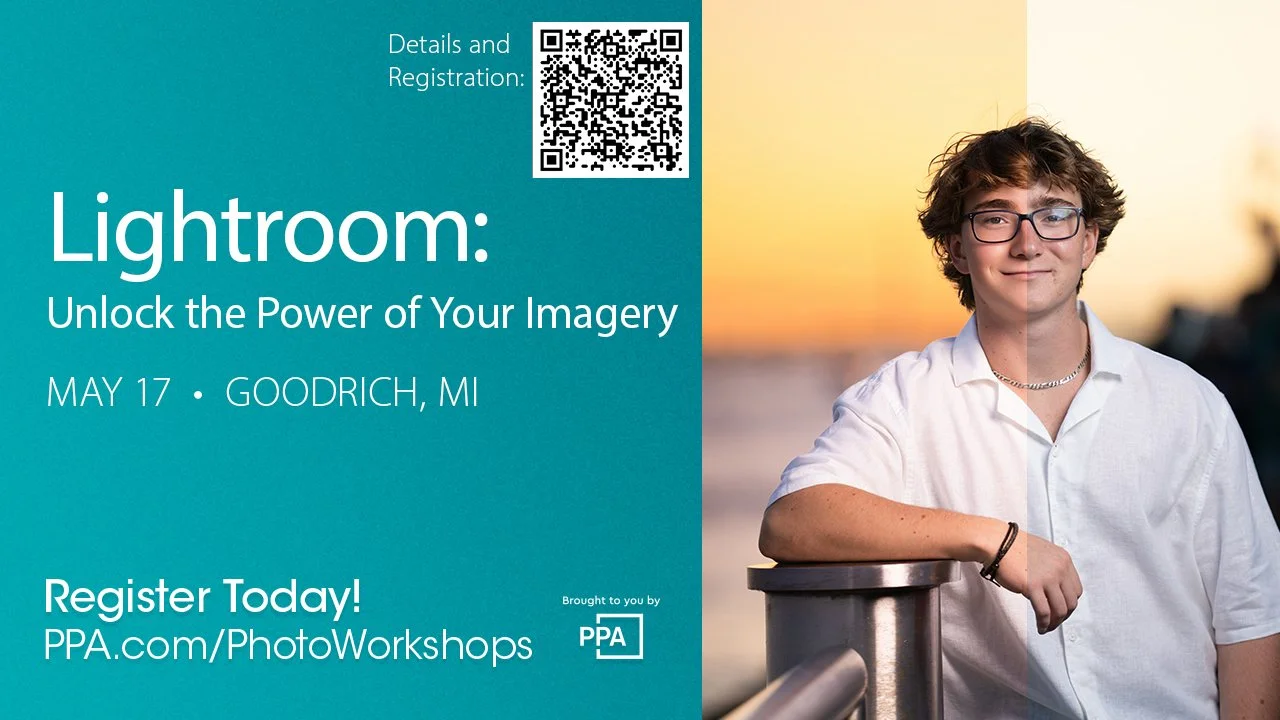
Professional Photographers of America workshops are merit earning events for participants. Non-members are welcome.
Spending too long editing? Finding yourself wanting to make edits, but don’t know where to start? Welcome Adobe Lightroom! In this course, we’ll go from beginning to end. From opening Lightroom for the first time* to producing a completed work of art. We’ll discuss the advantages of using Lightroom at the center of your workflow, from speeding up edits to controlling your style. Together we will participate in hands-on editing, pointing out key tools for various image genres such as landscapes and portraits. You’ll learn to take full control of your photography by harnessing the post-processing tools available, creating beautiful, efficient results.
You’ll learn...
Post Processing: Edit your photos to their full potential.
Library Module: Master photo importation, organization, culling, and tagging.
Develop Module Navigation: Familiarize yourself with editing tools and components, utilizing tools including (but not limited to): White Balance, Color Temperature, Color Grading, Noise Reduction and Sharpening, Tone Curve, and harnessing the power of Masking for targeted adjustments.
Presets: Speed up your workflow and control your style with custom presets.
Exporting: Control your end product with export dialogs and options.
*This course will adjust pace and topics based on the students present to create the best value for your time.
Items to Bring:
Computer
Adobe Lightroom Classic installed on your computer
Adobe Photoshop installed on your computer (if you are already a Photoshop user)
Note-taking materials
Editing Tablet such as Wacom (optional)
PPA workshops are $99 for member and non-members.